
QR Code Genie offers a powerful, free tool to create customized QR codes for URLs in just a few steps. Whether for business, events, or personal use, our generator ensures scannable, high-quality QR codes without server setup.

Enter Your URL: Input a valid URL (e.g., https://example.com) in the provided field.
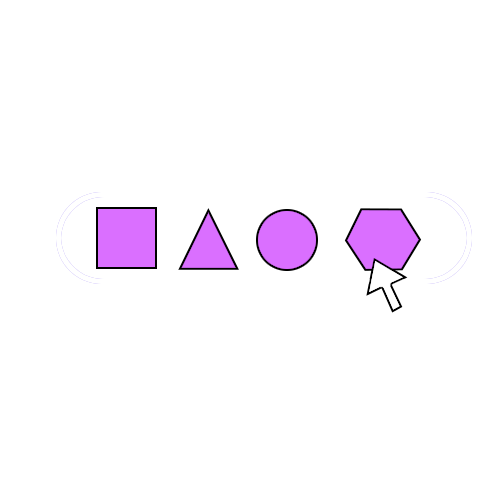
Customize Your QR Code: Choose from dot styles (square, circle, star, diamond, hexagon), colors, gradients, or upload a logo.

Generate: Click "Generate QR Code" to create your QR code instantly.

Download: Save your QR code as a high-quality PNG for use in print or digital formats.
Custom QR codes stand out and align with your brand. For example, a restaurant can use a circular dot style with a gradient matching its logo colors, making the QR code visually appealing on menus. Our tool supports advanced customization while ensuring scannability, a key factor for user engagement.
To ensure your QR code works reliably:
Our free generator simplifies these steps, making it easy to create professional QR codes that work every time.